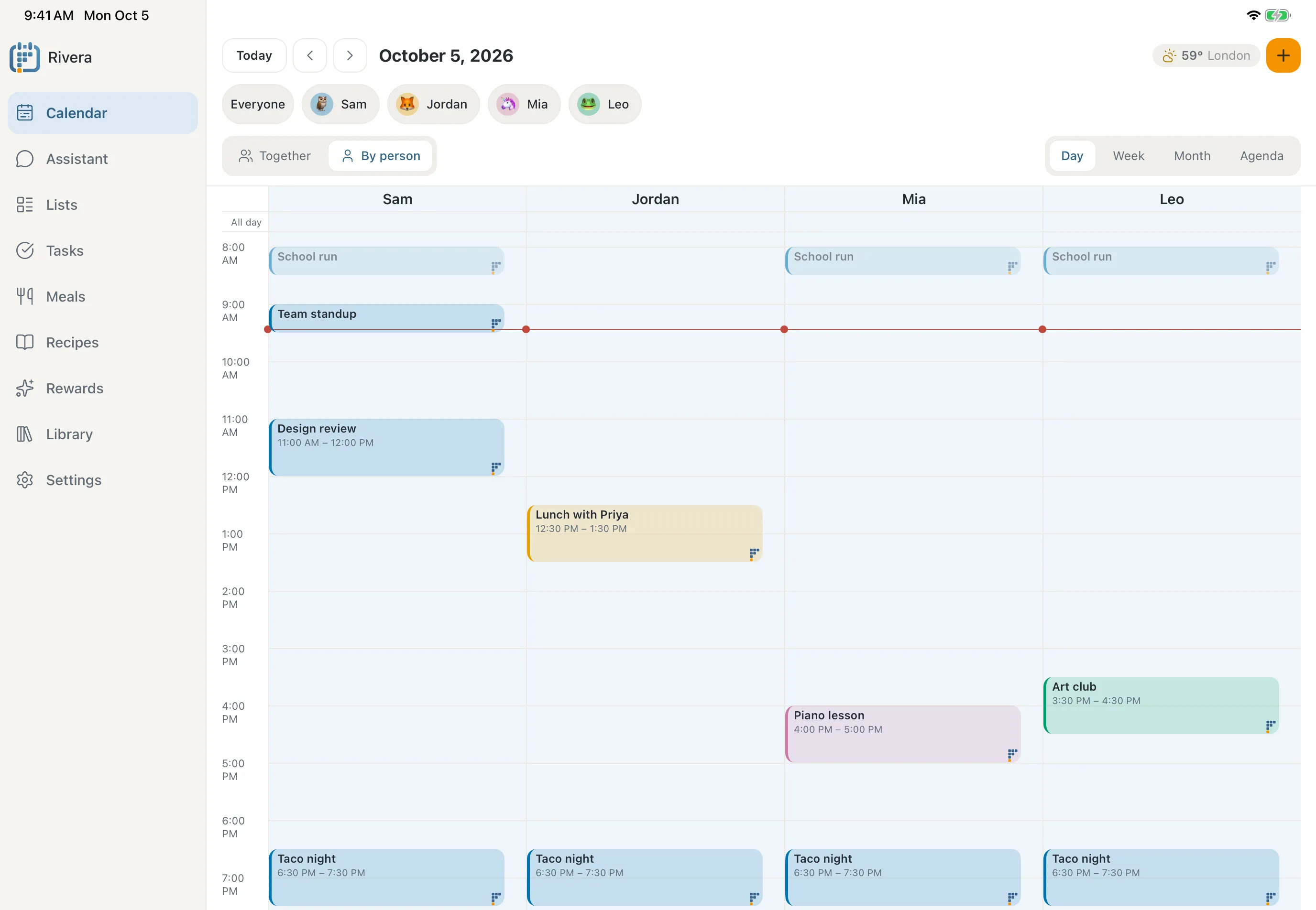
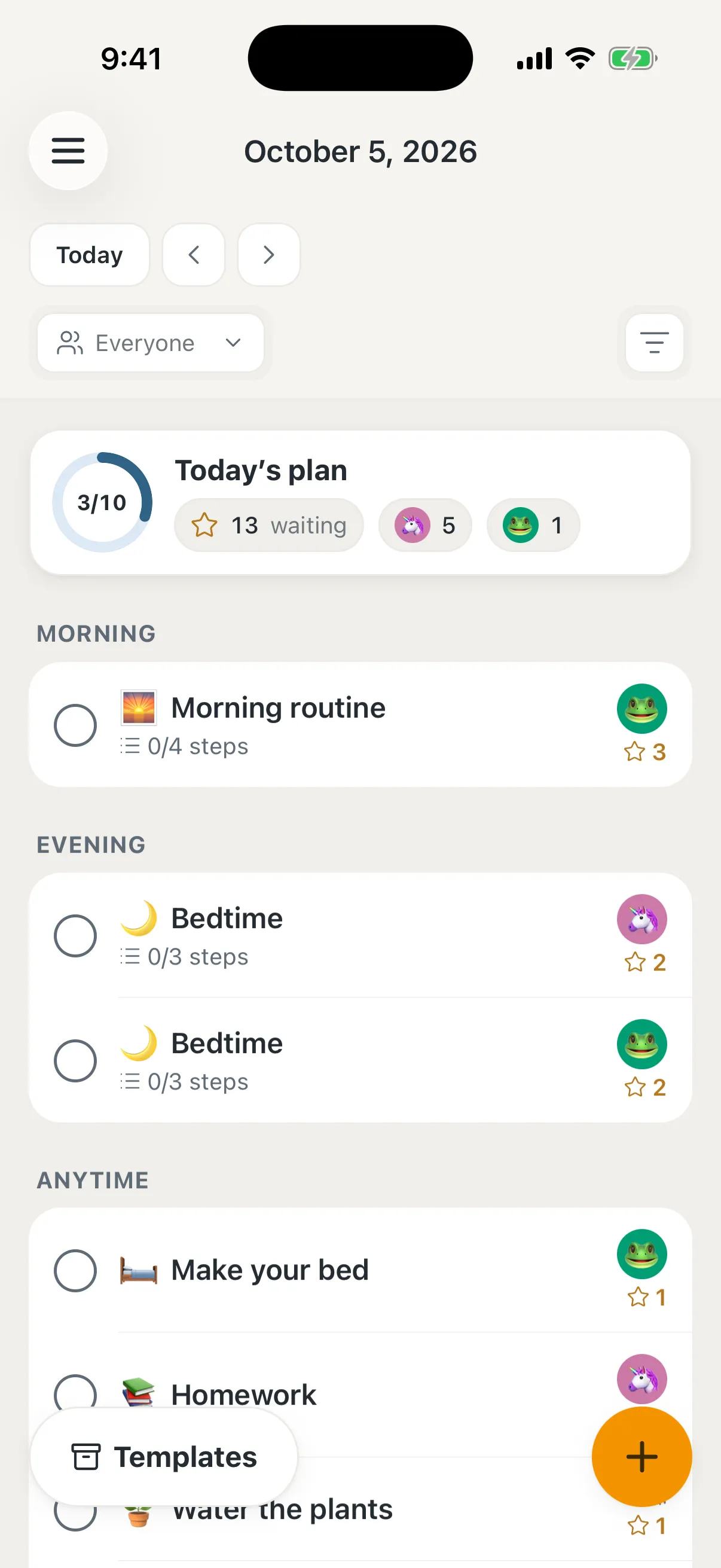
Ask in plain words: "What's on Thursday?", "Plan dinners for next week", "Add Mia's dentist on Friday at 3." It checks everyone's calendars and lists, and makes the change on every screen.
Wall calendars that come with their own screen stop working when the screen does. Famlet runs on a tablet you already have, and everything you set up stays yours: export it any time, on any plan.
Plain labels, one thing at a time, nothing that moves unless it has to, and family colours that colour-blind eyes can tell apart. Built for kids who need to see the day to get through it.
Brush teeth
Get dressed
Routines
One step at a time
Routines show a single step with a timer that fills as the minutes pass. Finished steps grey out instead of disappearing, so kids can see how far they have come.
Chores earn stars that kids save toward rewards you set. The big ones can wait for a parent to say yes, and stars that were earned stay earned. The Family jar shows how many stars everyone has together.
We're new, so instead of reviews, here is what we commit to.
Free for a real family
The free plan covers a whole family. We will never charge per family member.
Your data leaves with you
Export your calendar, lists and photos any time, on any plan, and delete everything in one step.
No accounts for kids
Kids get a profile, not an account: no email, no password.
Earned stars stay earned
Famlet never takes stars away, and grown-ups choose the rewards.
Colours everyone can see
Family colours are chosen to stay distinct for people with colour blindness.
Calendar logins stay locked
Calendar connections are encrypted, and you can remove one in a tap.
Questions families ask
How much does Famlet cost?
Famlet is free while we're in early access. When paid plans arrive, the free plan will still work for a whole family, and nothing you've set up will be taken away.
Do I need to buy a screen?
No. Use an iOS or Android phone or tablet, or any device with a modern browser. An older tablet from a drawer works well.
Which calendars work with Famlet?
Google Calendar, Apple iCloud and Outlook, plus any calendar you can subscribe to by link. Your family colours carry across all of them.
What happens if the Wi-Fi drops?
The wall keeps showing the day it already has and remembers check-offs until it is back online.
Is Famlet only for families with ADHD?
No. We designed it with ADHD and neurodivergent kids in mind, which tends to make it calmer and clearer for everyone.
Who can see our family's information?
Only the people you invite. Each family's information is kept apart from every other family's, and you can export or delete it at any time.
Put your family's dayon the wall
Setting up takes a few minutes: create your family, then sign in on a tablet, or open Famlet in a TV’s browser and type in the code it shows.
We use essential cookies that keep famlet.co working, and they stay on. Optional cookies help us understand how the site is used and measure our ads. Accept, reject or manage them. Learn more in our Privacy policy.